


 rekallme.
Open any record
Every Detail, One Tap Away.
- A short Summary of what it is
- Names, dates and amounts in Details
- The Events it found, with reminders
- The Original file, one tap away
meet rekallme.
Stop scattering your notes, files, receipts, screenshots and events across apps and devices.
Before Rekallme
Scattered everywhere
Hard to Remember, Struggle to Find.
 Notes
 Files & PDFs
 Screenshots
 Calendar
 Photos
 Paper receipts
After Rekallme
All in one place
Easy to Remember, Quick to Find.
Search naturally and get what you need in seconds.
Anything that doesn’t fit a folder yet lands here.
Contracts, IDs, letters and forms, ready when you need them.
Every bill and receipt, with due dates and amounts picked out.
Briefs, quotes and notes for each client, all in one place.
Flights, stays and bookings for every trip.
Ideas, lists and things to remember.
IDs, appointments and everyday paperwork.
Plans, budgets and progress for each project.
 FromDocuments
12-month lease for 4/18 Ocean St, starting 1 Nov 2026.
FromTravelReturn trip 13–17 Nov, seat 14A, one checked bag.
Weekly shop, $142.60 paid by card on 27 Oct.
 FromClients
Quote for 12 LED panels and install, $3,480 incl. GST.
 FromNotes
Spring theme, fairy lights and new price cards by Friday.
 FromProjects
Cabinets, benchtop and tiling: $18,450 of $20,000 spent.
Passport details saved, valid until 14 Aug 2031.
Save anything. Rekallme auto-extracts the details and events, and makes it all searchable.
Ask in your own words and get the details or files in seconds, whenever you need them.
Always one tap away. Type a word and related information appears instantly.
Search from anywhere, on phone or desktop, from the same information hub.
Open any record
Dates and reminders
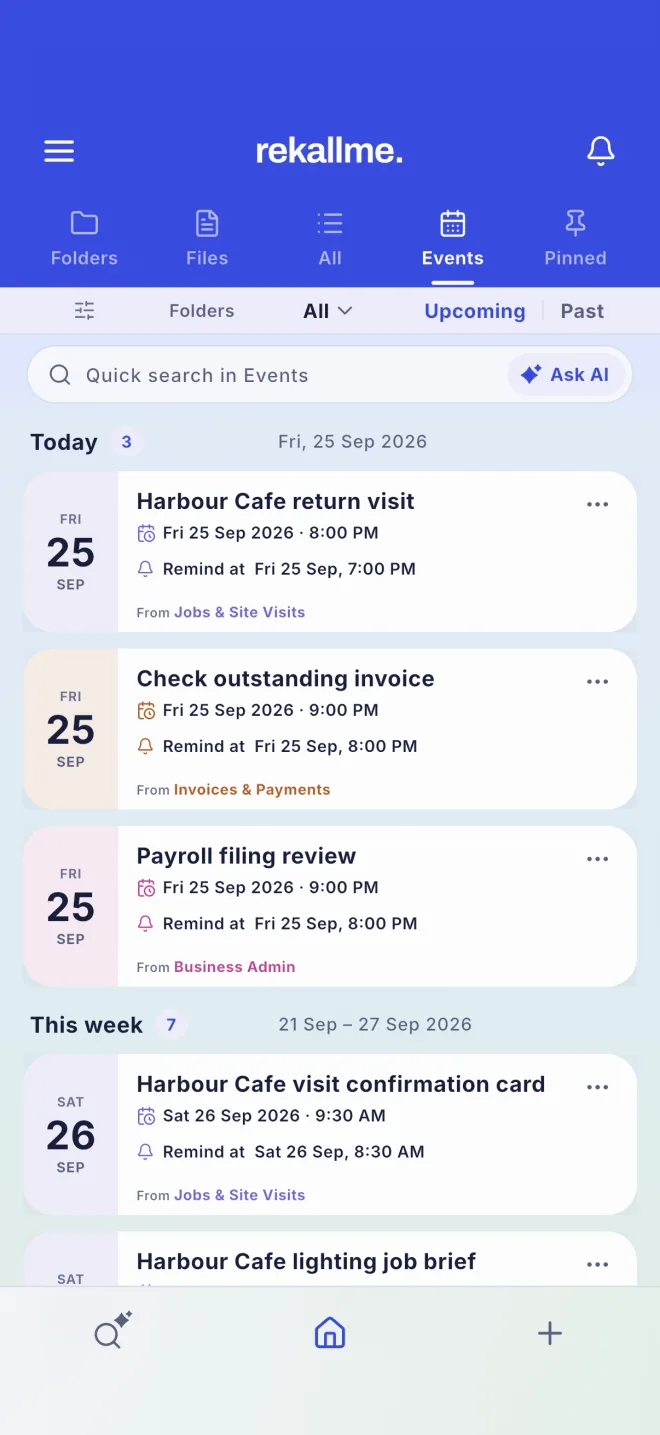
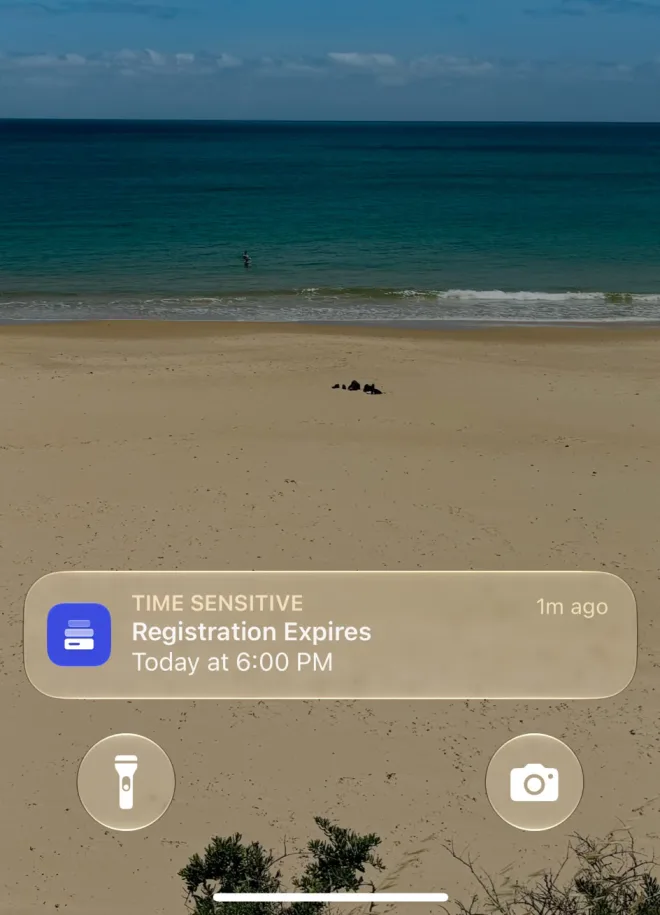
Light and dark
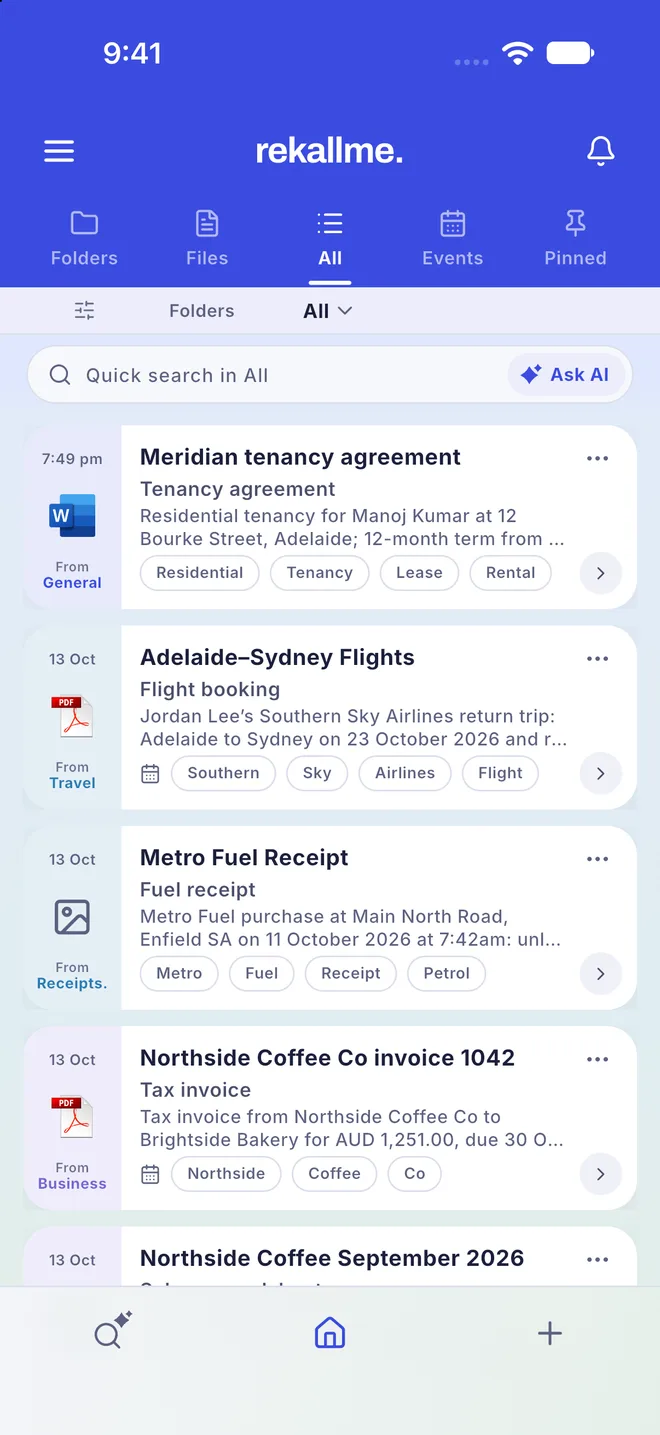
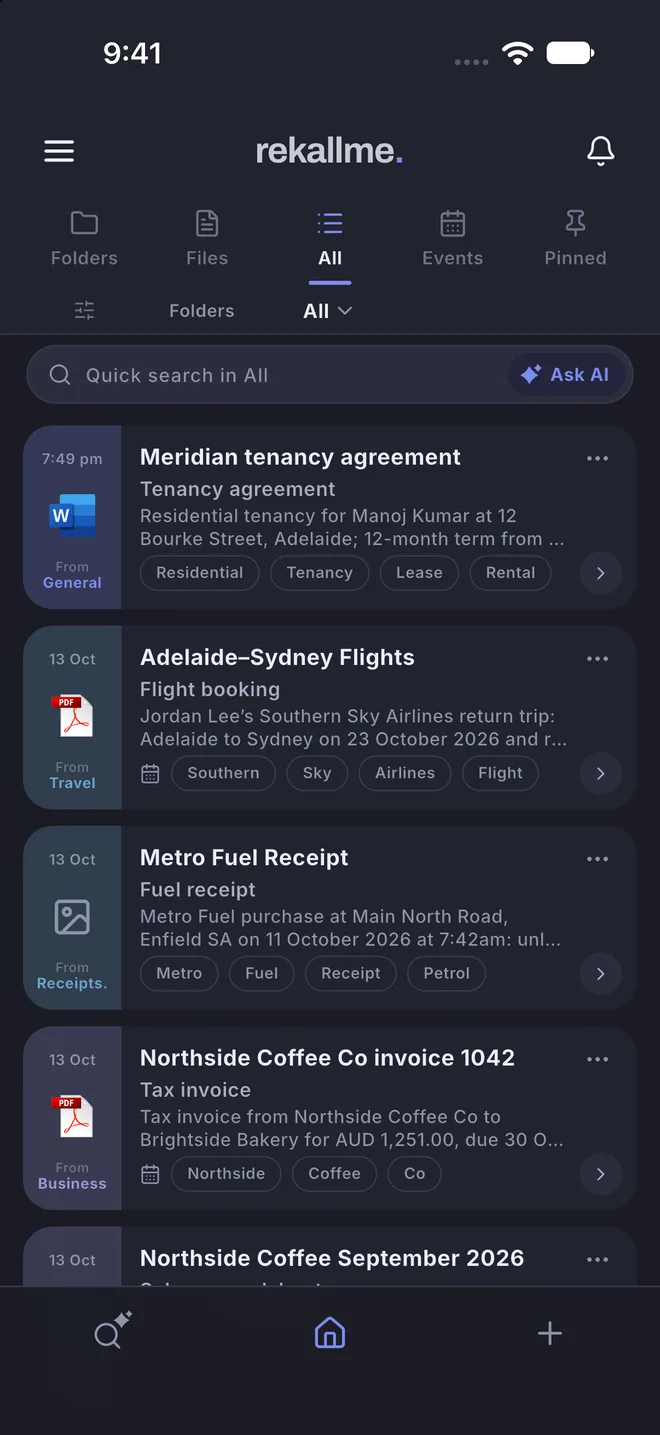
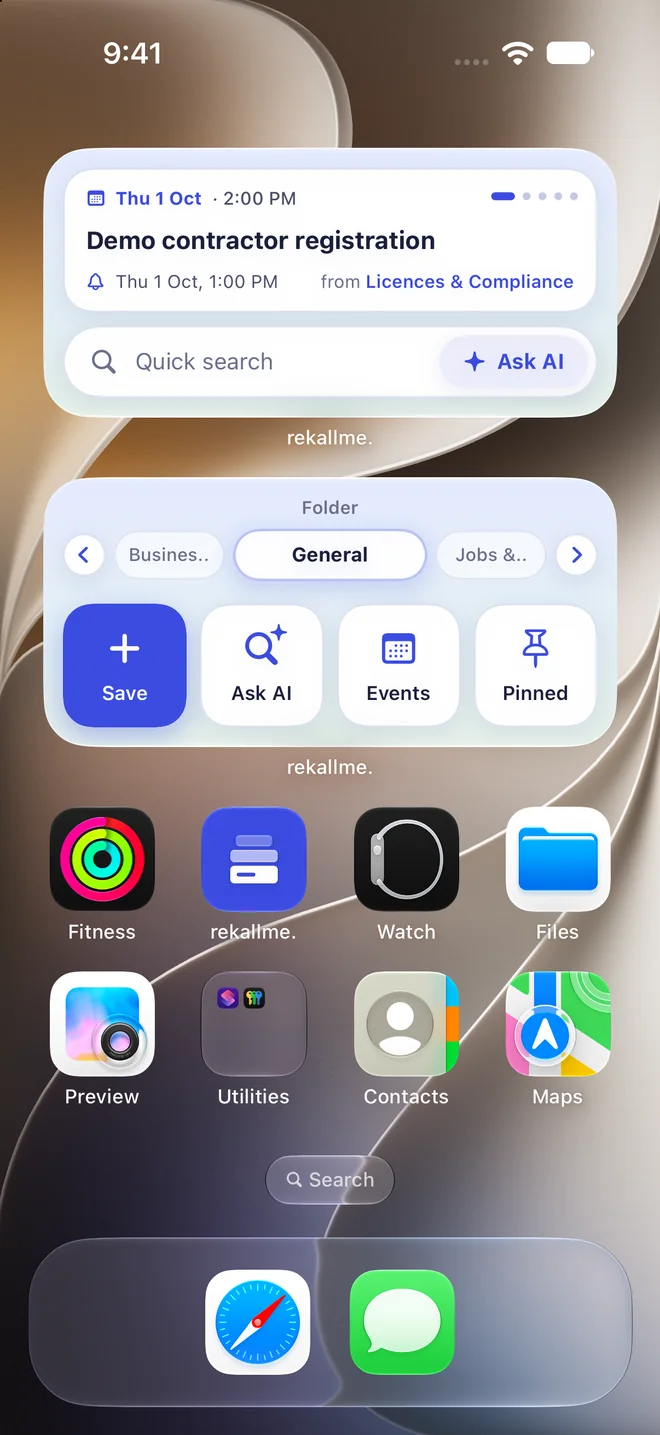
Home Screen widgets
MCP Connector
Use Rekallme in any modern browser on your Mac or PC. Free to start.
Our iPhone and Android apps are with Apple and Google for review.
FAQ
Can’t find your answer? Email support@rekallme.com
Your account is protected by optional two-step sign-in, which asks for a 6-digit code from your phone, plus App Lock with Face ID or a fingerprint. Leaked passwords are refused and bots are blocked. Everything you save is encrypted, locked to your account, stored in Sydney, Australia and backed up every day. See all security features →
Yes. What you save is locked to your account, so no other account can see it. It is never sold, never used for ads and never used to train AI. You can export everything or delete your account at any time. Read the privacy policy →
Rekallme keeps all your important information in one place: documents, receipts, notes and appointments. It reads everything you save, pulls out the key details and dates, and helps you find anything again in seconds.
Everyone. Whatever your work or life looks like, information ends up scattered across email, photos, files and paper, and it’s hard to find when you need it. Rekallme brings it together. See how it helps your profession →
AI reads what you save, writes a short summary, picks out names, amounts and dates, and turns dates into events with reminders. When you ask a question in your own words, it finds the answer and shows the record it came from.
Credits are what Rekallme uses for its AI. 1 credit = 1 save (a note, file or image) or 1 Ask AI question. Free includes 30 credits a month, Lite 200 and Pro 500, and you can buy 100 extra credits at any time. See the plans →
Connect Rekallme to Claude, ChatGPT or another AI app, then search and save your Rekallme records right from the chat. It’s available on the Lite and Pro plans. See how to connect →